Live Data
What this page shows
Live Data shows the tag address space this node serves: the folders and tags flowing through its connections, read from the node's own internal mirror.
This is the node's own mirror, not the full federated address space
Live Data reads from the node's internal, bus-fed mirror, not the OPC-UA address space a downstream client browses through this node. On a freshly configured node the mirror can be empty until tags actually start flowing. That is expected, not a fault.

Browsing the tree
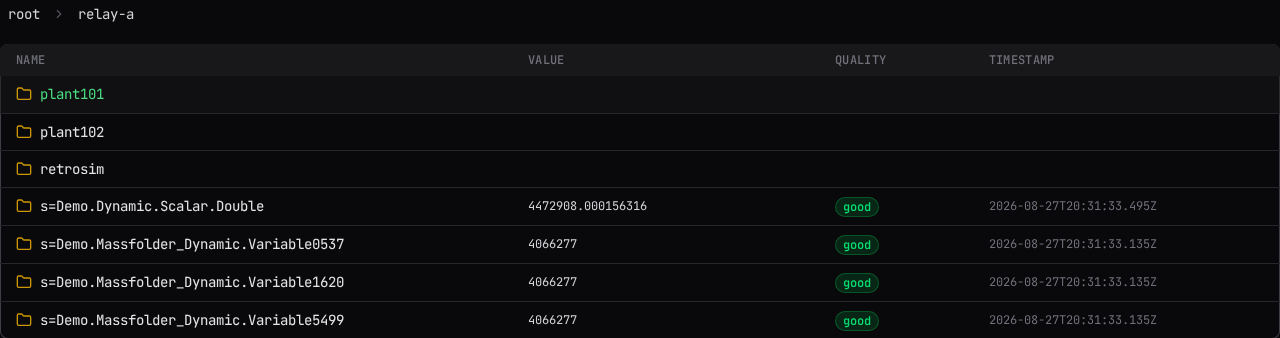
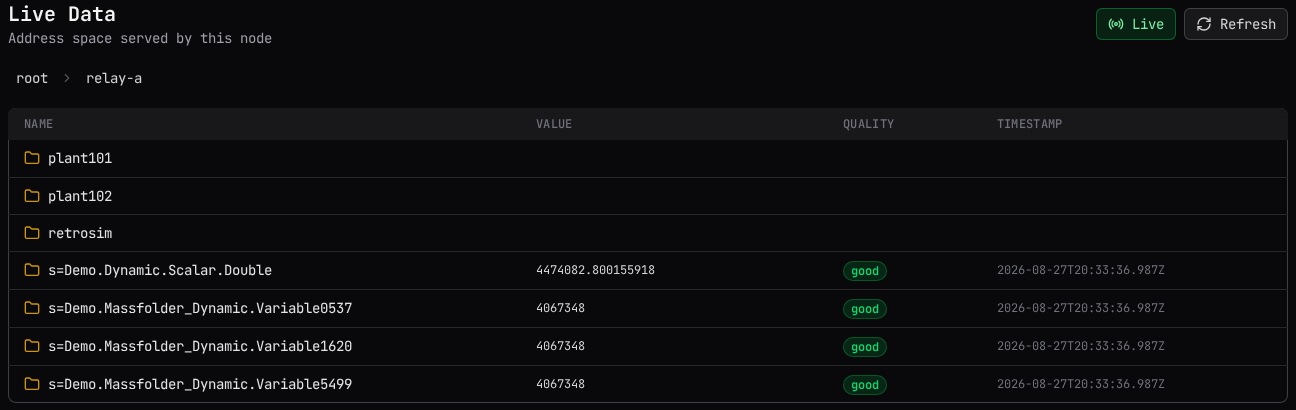
Select a folder to open it. A folder shows a folder icon; a tag shows a tag icon. The breadcrumb above the table tracks where you are: select root to return to the top, or any earlier segment in the breadcrumb to jump back to it. Opening a folder always starts at its first row.
Reading a row
| Column | What it shows |
|---|---|
| Name | The folder's or tag's browse name. |
| Value | The tag's current value, with its unit appended when the node has one for it. A tag with no value yet shows nothing. |
| Quality | A colored chip carrying the quality word the source reported, for example good, bad, or uncertain. |
| Timestamp | When the value was captured. Hidden on narrow screens. |
Only the rows currently in view are fetched from the node, thirty at a time. Scroll to bring more of a large folder into view. Once a folder holds more rows than fit on screen, a counter in the top right ("x-y of N") tracks your scroll position.
Turning on Live
Select Live to auto-refresh the rows currently in view every half second. Select it again, or select Refresh, to go back to refreshing manually. Live only re-fetches the window of rows on screen, never the whole folder. Turning this on over a large folder does not stress the system.
Browsing is manual by default: opening a folder does not itself turn Live on.
Why a folder might show nothing
An empty root reads "No tags in this node's mirror yet. Tags appear here once they flow onto the bus." An empty subfolder reads "This folder is empty." Neither is an error. A tag appears here only once something delivers it onto this node's bus, and for an OPC-UA source that delivery starts on demand, the first time something asks to collect it.
Related
- Getting Started: the console's other areas.
- Chaining and Reverse Connect: why collection starts on demand.